QR Menu Ordering: A Practical Guide for Restaurants
How restaurants can use QR menus and table ordering without making service feel complicated for guests.
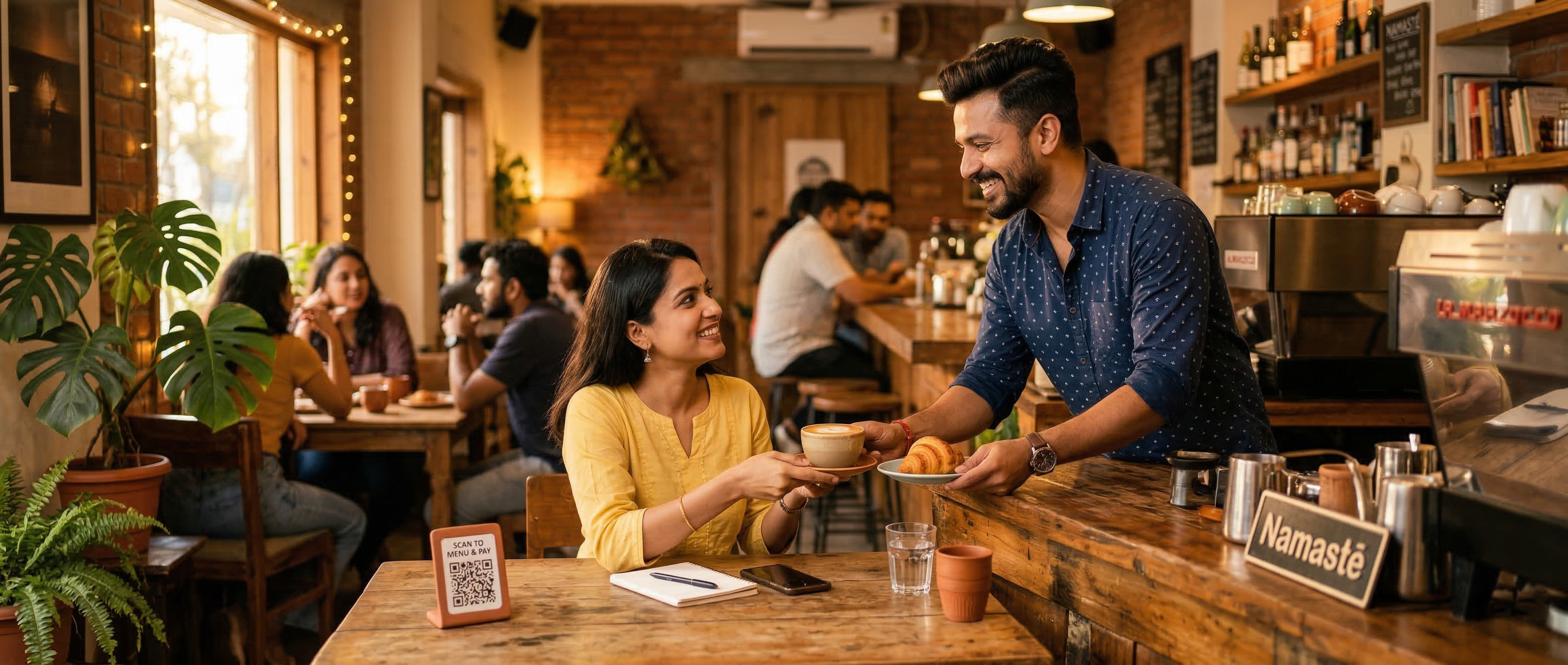
QR menus work best when they remove friction instead of replacing hospitality. A guest should scan, understand the menu, choose items, and place an order without wondering what happens next.
For restaurant teams, the goal is just as practical: fewer repeated questions, cleaner table workflows, and a direct ordering flow that does not send the customer relationship to a marketplace.
Start with the table experience
A QR menu should be attached to a clear table session. If the customer is ordering from a table, the backend still needs to validate that table token before accepting an order. Local storage can make navigation feel smoother, but it should never be the final authority for order placement.
This keeps table ordering controlled and avoids accidental orders from copied links, stale scans, or customers who are no longer seated.
Keep customer routes simple
Public menu URLs should stay predictable:
- Business home
- Menu
- Item detail
- Cart
- Order history
- Receipt or invoice
The active table session can be stored after a valid QR scan, but customer links between these pages should stay clean. This makes URLs easier to share, index, cache, and maintain.
Make the menu fast before making it fancy
Restaurants benefit most from menus that load quickly on normal phones and normal networks. Prioritize readable categories, clear item names, prices, availability, and a cart flow that works without visual clutter.
Richer features can come later. Speed and confidence should come first.
Own the customer relationship
QR menu ordering should help restaurants build a direct relationship with guests. That means clear branding, no unnecessary account creation for customers, and no middleman sitting between the restaurant and its own customers.
The best digital menu does not feel like a separate app. It feels like the restaurant, only faster.